
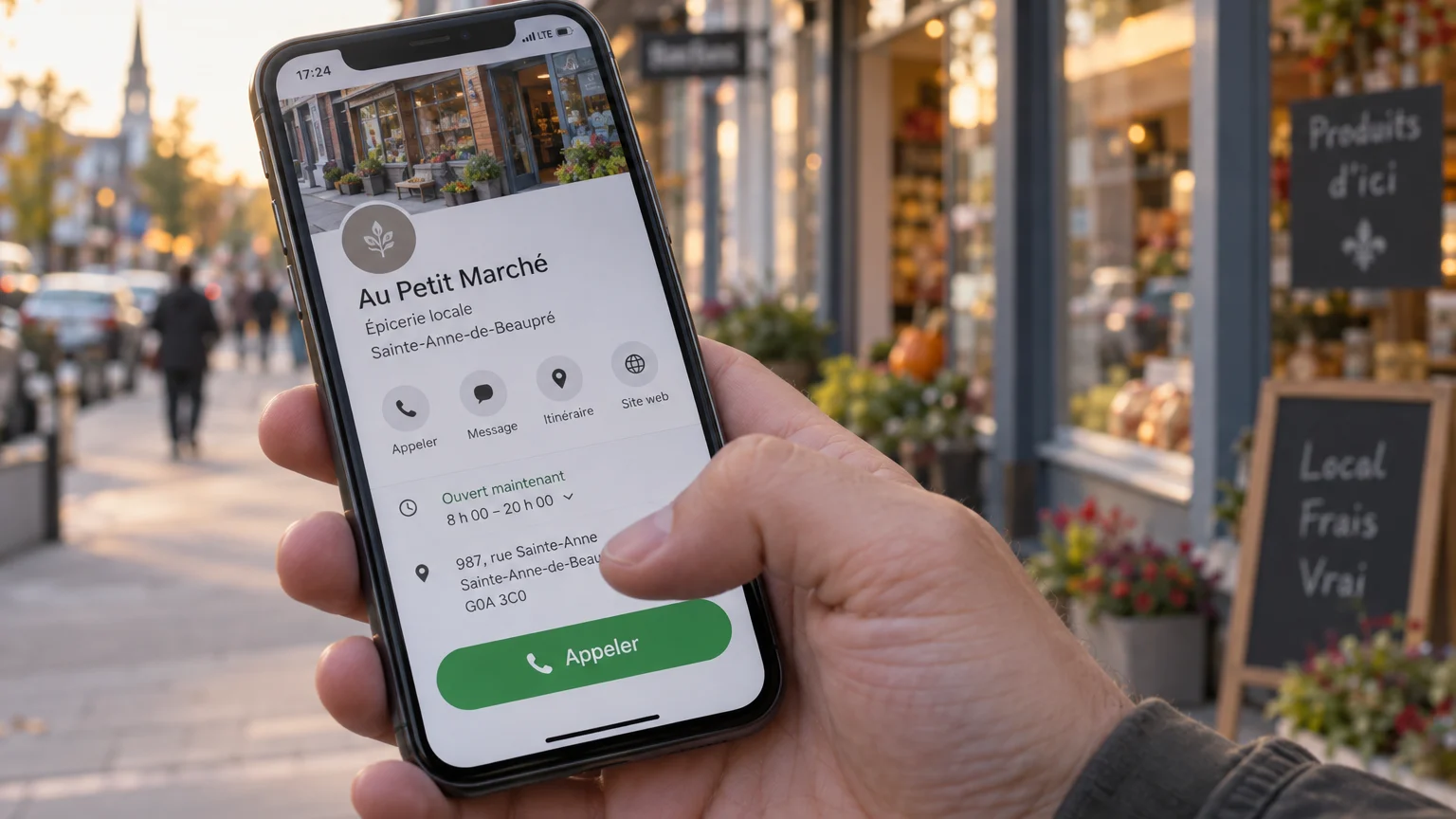
A plumber on a Saturday morning, a dental clinic after a sudden toothache, a caterer a few days before an event: in many situations, the person searching for a business on their phone doesn't want to fill out a form. They want to talk to someone, right away. If your number is hard to find or can't be dialed with a single tap, that person goes back to the search results and calls a competitor.
The mobile call button is often treated as a design detail. Yet for a Quebec SME that relies on local inquiries, it can make the difference between a lost visit and a new customer. Here is how to integrate it smartly into your website, without a complete redesign.
Why calling remains a reflex on mobile
A smartphone is, by definition, a phone. When someone browses your site from their cell phone, calling is the most natural action there is: no keyboard to use, no waiting for an email reply. For many types of businesses, it is even the main conversion channel.
- Emergency or repair services (plumbing, locksmithing, towing, heating)
- Businesses that take reservations (restaurants, salons, clinics)
- Residential service companies that need to qualify a project (renovation, landscaping, maintenance)
- Professionals whose clients want to ask a question first before committing
In all these cases, a form adds a step and some uncertainty. The call button, on the other hand, removes friction. It is also reassuring: a clearly visible number shows that there are real people behind the business.
Where to place the button so it gets seen
A phone number hidden in the footer or on the Contact page is not enough. On a small screen, visitors won't scroll through the entire page looking for it. The button must be accessible at the exact moment the urge to call arises.
The most effective placements
- In the mobile header, next to the menu, as a clearly identifiable phone icon
- As a sticky bar at the bottom of the screen, which stays visible while scrolling and falls naturally under the thumb
- Directly below the first content block on your service pages
- At the end of each section that answers an important question (pricing, service areas, timelines)
The sticky bar at the bottom of the screen is often the simplest and best-performing solution. It can combine two actions side by side, for example “Call” and “Request a quote,” to give visitors a choice without making them search.
Be careful not to clutter the screen, however. A sticky button should never hide the main content or conflict with a cookie banner or a live chat window. Always test how it looks on several phone sizes.
Writing a label that makes people want to call
The button text matters as much as its position. A plain number works, but a label focused on the customer's benefit often works better, because it clarifies what will happen after the tap.
- Choose “Call now” or “Talk to a technician” over a vague “Contact”
- Add a reassuring detail when it's true: “Free quote,” “Same-day response,” “Service in French”
- Adapt the label to the page: on an emergency page, use “24/7 emergency call” only if you actually offer that service
- Keep the text short so it fits on one line, even on a small screen
Visual contrast is essential. The button must stand out from the rest of the page, with a color consistent with your brand image but bold enough to catch the eye. A generous tap area prevents mis-taps, especially for people browsing with one hand.
Technical details not to overlook
An effective call button relies on a few simple technical rules. The link must use the tel: protocol followed by the full number, including the area code, so the phone opens the dialer directly. Without this format, visitors have to copy the number by hand, which drives away a good share of interested people.
- Make sure the number is identical everywhere: website, Google Business Profile, directories and social media
- Display your business hours near the button to avoid frustrating calls outside office hours
- Set up a professional voicemail and quick callbacks for missed calls
- On desktop, turn the button into a simple display of the number or a link to your form, since most computers can't place calls
Also think about the experience after the call. A highly visible button that leads to a line that's always busy or to an impersonal answering machine can hurt your reputation. The marketing tool is no substitute for well-organized phone reception.
Measuring calls and supporting local SEO
A call button is only valuable if you know what it brings in. Most web analytics tools let you track clicks on tel: links as conversion events. That way, you'll know which pages generate the most calls and which ones could use improvement.
This tracking is also valuable for your SEO strategy. Pages that attract visitors without generating calls often signal a mismatch between search intent and the content offered. Conversely, a service page that converts well deserves to be expanded and highlighted in your internal linking.
The connection with local search
For an SME, the call button is part of a broader local ecosystem. Search engines and AI-powered assistants rely on consistent information to recommend a business: name, address, phone number and service areas. An identical number on your website and your business profile strengthens this consistency and makes it easier to go from search to call.
- Add your contact details in LocalBusiness structured data
- Create clear pages for each service and each region served, with a call button on every one
- Encourage customer reviews on your Google profile, which build trust before the call
A small change with concrete results
The mobile call button is one of the most accessible improvements for a small business: inexpensive, quick to implement and directly tied to incoming inquiries. Well placed, well worded, technically reliable and measured, it turns passive visits into conversations with real potential customers.
Start by picking up your own phone and visiting your website the way a customer would. How many steps does it take to call you? If the answer is more than a single tap, you know where to begin.