
A new type of scam is currently circulating and it is particularly dangerous: cybercriminals are managing to send phishing emails from an official Google address, making them nearly impossible for most security filters to detect. Here is everything you need to know to avoid falling into the trap.
AppSheet: a legitimate Google platform hijacked for criminal purposes
AppSheet is a no-code platform owned by Google. It allows anyone to create mobile and web applications without writing a single line of code. It is a legitimate tool used by thousands of businesses around the world.
The problem stems from its automation feature: AppSheet allows automatic emails to be sent from the address [email protected]. Cybercriminals linked to a Vietnamese group, as part of a campaign called “AccountDumpling,” found a way to exploit this feature to distribute phishing messages on a large scale.
Why these emails are so dangerous
What makes this scam particularly effective is that the fraudulent emails pass all the usual security checks. Specifically, the message genuinely originates from [email protected], an address belonging to Google. The SPF, DKIM, and DMARC protocols, which normally serve to authenticate the sender of an email, therefore validate the message without any issue.
As a result, these emails land directly in the main inbox, whether you use Gmail, Outlook, or any other email service. No alerts, no spam filters intercept them. To an ordinary user, everything appears perfectly normal.
How the scam works, step by step
The scenario is always roughly the same. The email presents itself as an official message from Meta Support (the support team for Facebook and Instagram). It claims that your Facebook Ads advertising account or your Business Manager account is affected by one of the following issues:
- Your account is temporarily limited and at risk of being suspended.
- A copyright infringement complaint has been filed against your page.
- Your account will be permanently deleted if you do not act quickly.
The message then contains a prominent button with a label such as “Submit an Appeal,” “Verify My Account,” or “View Details.” This button creates a sense of urgency and pushes the victim to act quickly, without thinking.
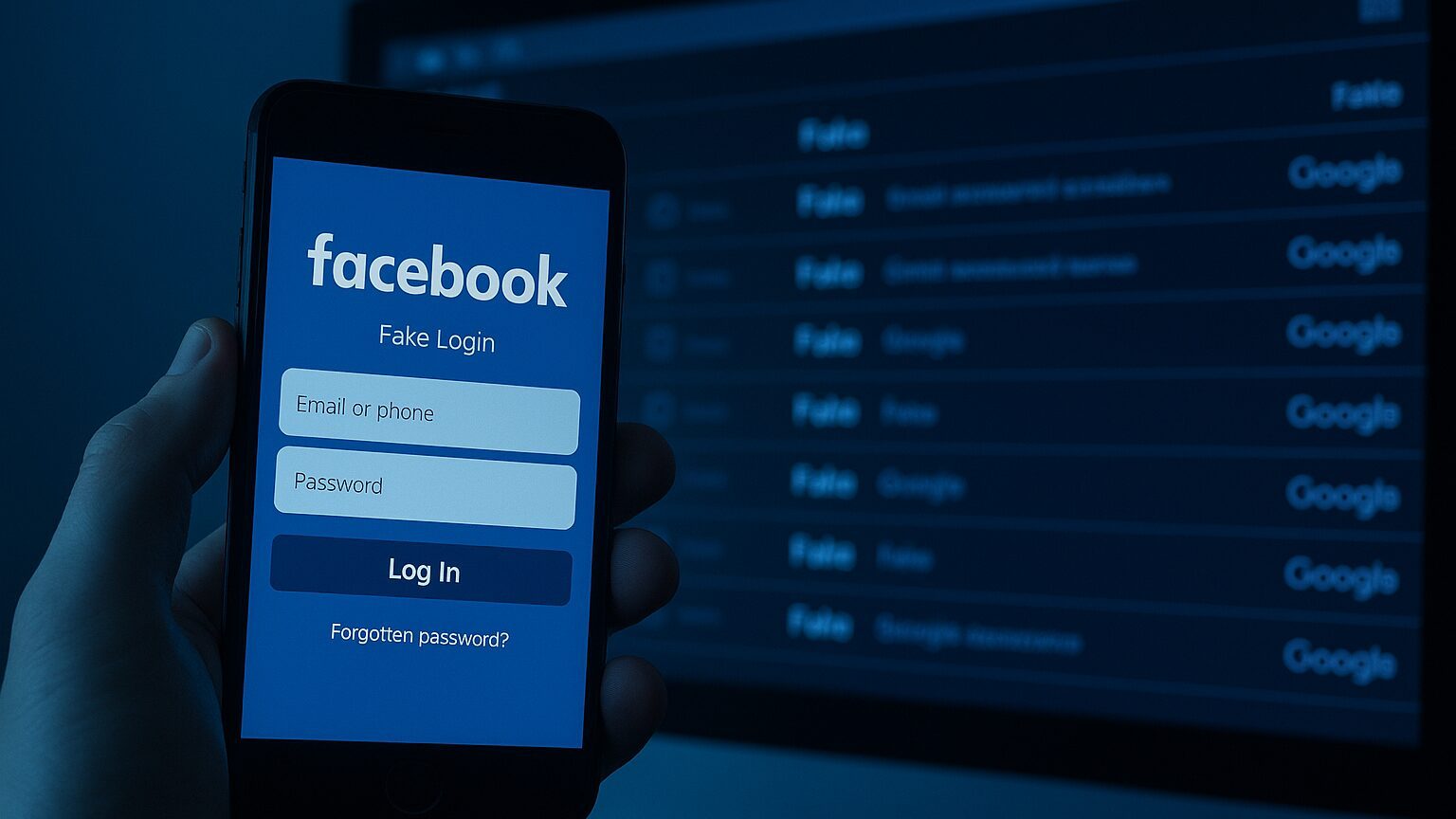
By clicking on this link, the user is redirected to a fake Facebook login page that is visually identical to the real one. As soon as the victim enters their username and password, that information is transmitted directly to the hackers. And if a two-factor authentication (2FA) code is requested, the fake page captures it as well, in real time.
An already heavy toll: more than 30,000 accounts compromised
The AccountDumpling campaign has already caused considerable damage. It is estimated that more than 30,000 Facebook Business and Facebook Ads accounts have been compromised to date. Once in possession of these accounts, cybercriminals use them in two main ways:
- Launching fraudulent advertising campaigns at the victims’ expense, using the payment methods registered on the account.
- Reselling access on underground markets to other criminal groups.
For businesses and creators who depend on online advertising, the consequences can be very serious: direct financial losses, damaged reputation, and lost access to years of data and advertising configurations.
How to recognize this type of email
Even though these messages are designed to deceive, certain clues should raise a red flag:
- The sender’s address is [email protected] and not an official Meta or Facebook address. Meta will never contact you from an AppSheet address.
- The message creates artificial urgency: a very short deadline, the threat of imminent deletion, an alarmist tone.
- The button or link does not point to facebook.com or business.facebook.com, but to a suspicious domain or a shortened URL.
- The layout may look perfect, but spelling errors or awkward phrasing can betray the foreign origin of the message.
What to do if you receive this email
If such a message lands in your inbox, here is what you should do:
- Do not click on any link and do not enter any credentials, even if the message seems urgent or official.
- To check the status of your account, go directly to business.facebook.com by typing the address manually into your browser, or open the official Facebook app.
- Report the email as phishing in your email client to help filters learn to block these messages.
Did you click the link? Act immediately
If you have already clicked the link and entered your credentials, every minute counts. Here is what you must do without delay:
- Change your Facebook password immediately from your account’s security settings.
- Go to the “Security and Login” section of Facebook and check all active sessions. Log out of any that you do not recognize.
- Open your Business Manager and revoke all suspicious or unknown access in the user management section.
- Enable or strengthen your two-factor authentication using an authenticator app (rather than SMS, which is more vulnerable).
- Notify your team if you manage a shared Business account, so that everyone can check their own access.
The key takeaway
This scam illustrates an underlying trend in the world of cybercrime: the use of legitimate, reputable platforms to bypass traditional defenses. The fact that an email comes from a Google address does not mean it is safe. Vigilance remains your best protection. When in doubt, never click on a link received by email: always go directly to the official website in question.